Instruments
MUPAS Mini
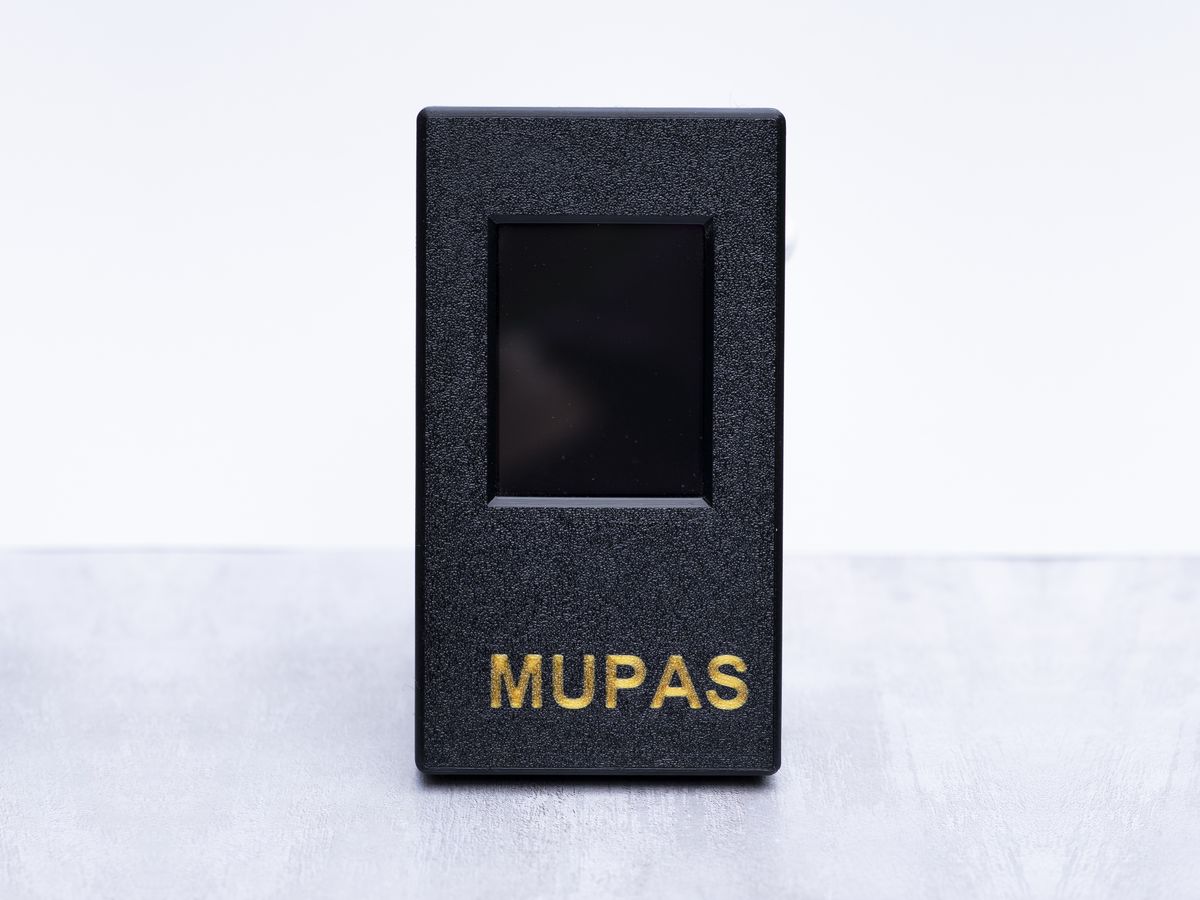
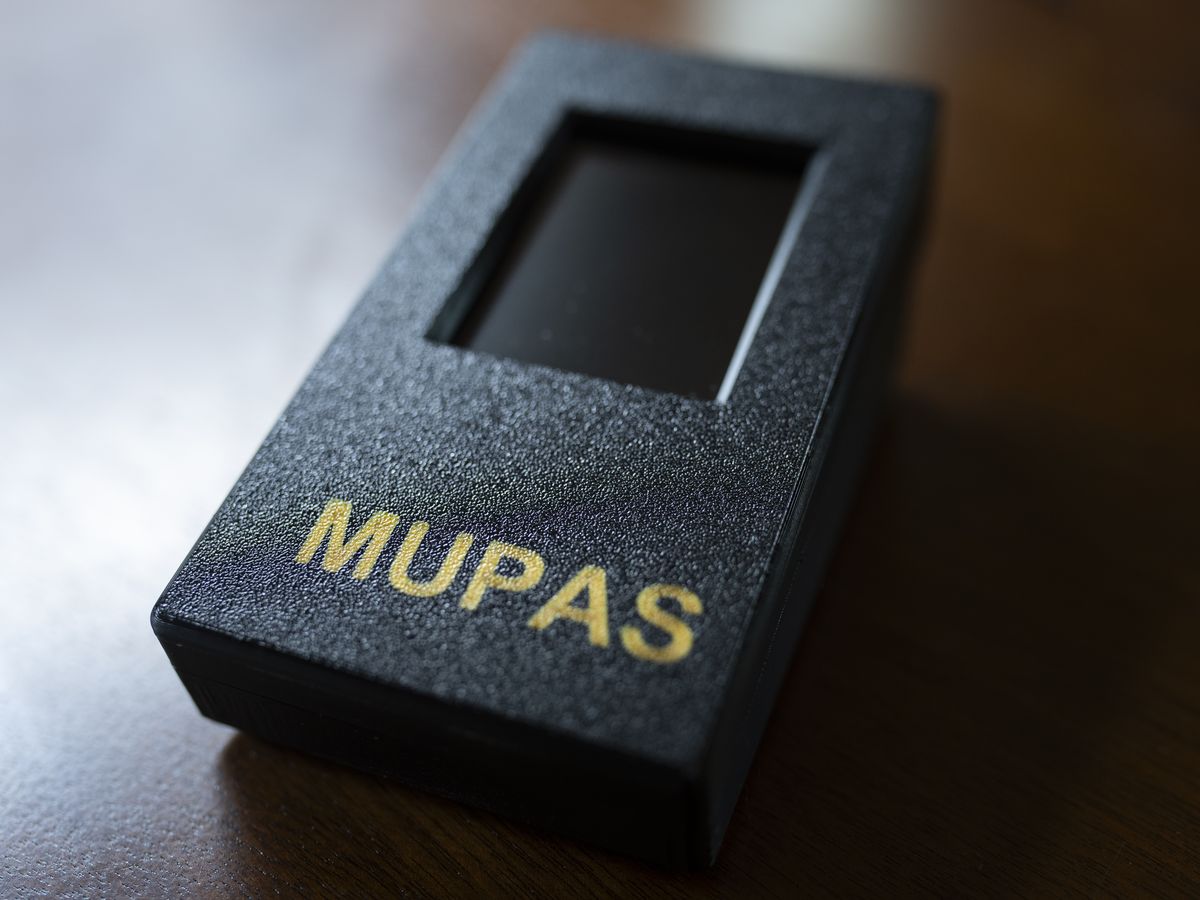
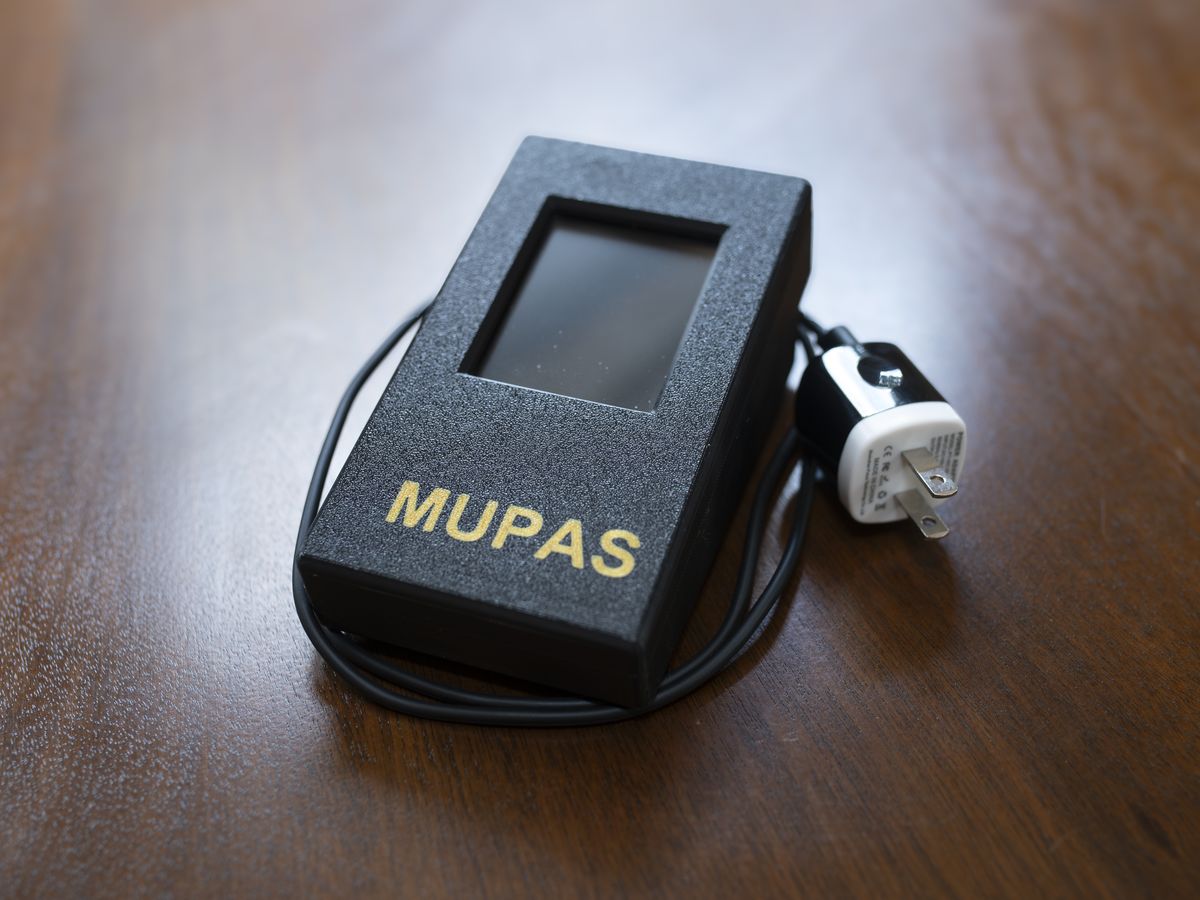
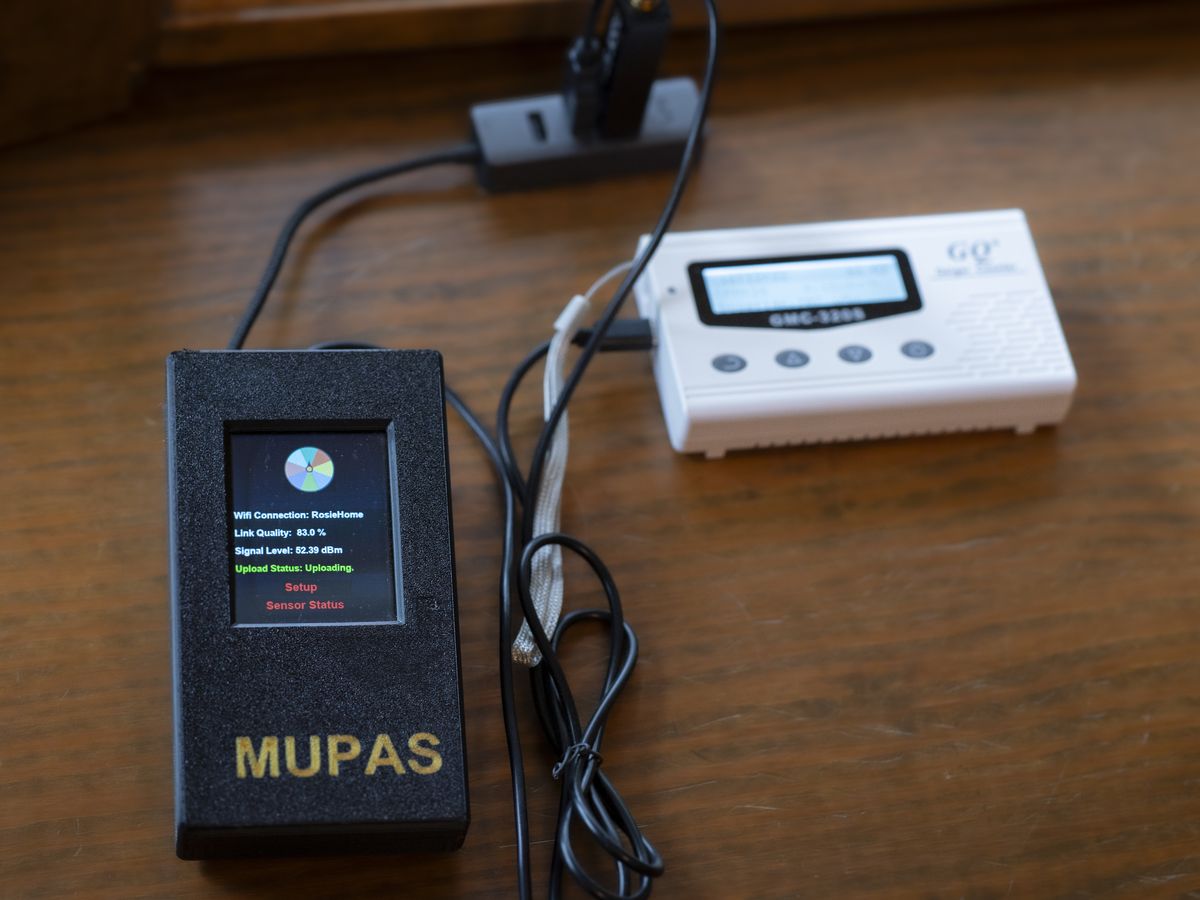
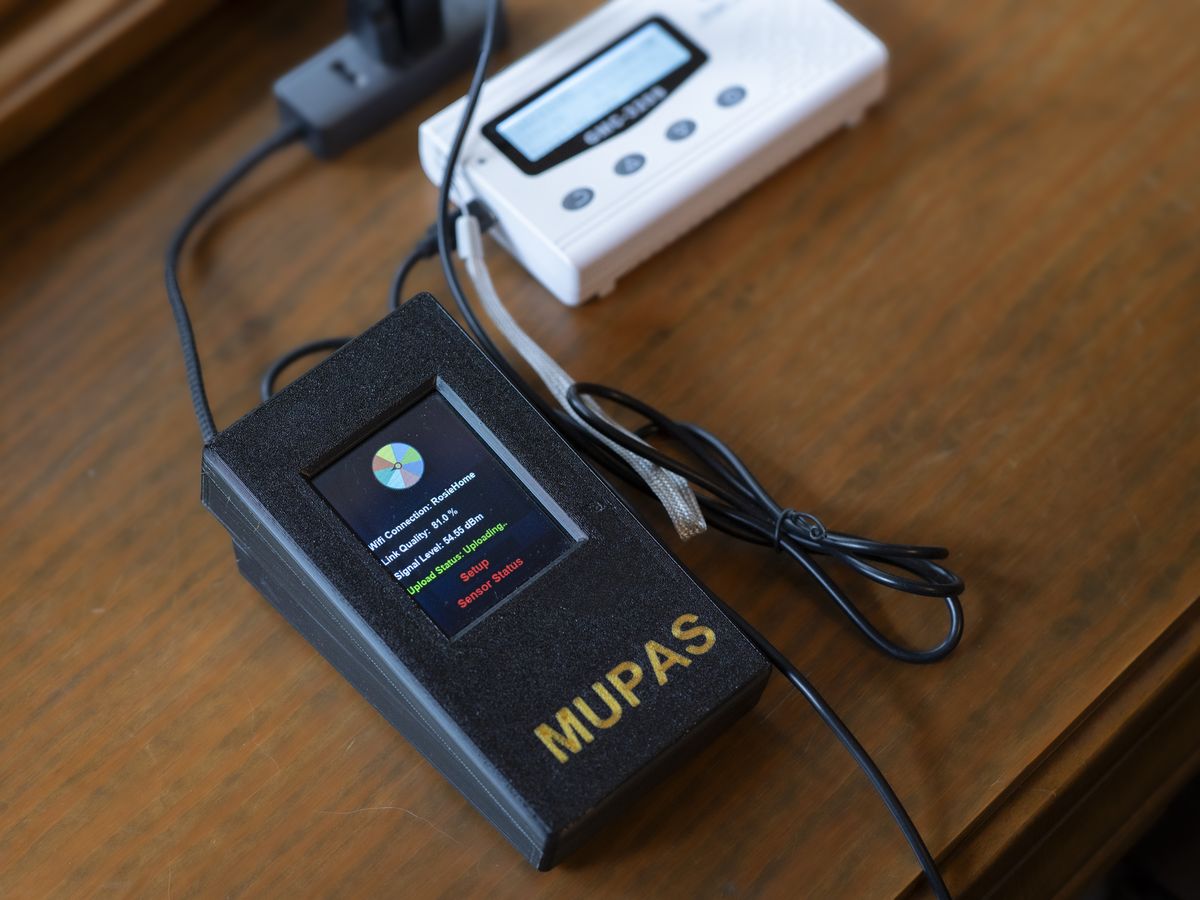
The desktop station. It sits where you live, runs from the wall around the clock, and records more than any other MUPAS instrument. A touchscreen shows live readings; the portal keeps the history.
What it records
- Motion and vibration — an accelerometer and a gyroscope, three axes each.
- Magnetic field — a magnetometer, three axes, in microtesla.
- Temperature, air pressure and humidity.
- RF energy — a relative reading of radio-frequency energy at the station. Raw counts, compared only with this station's own range; it tells you the RF environment changed, not what changed it.
- Sound level — how loud it is, as a level. Nothing is recorded that could be listened to; the station keeps no audio.
- Location — from the station's own GPS, so the portal knows where the readings come from.
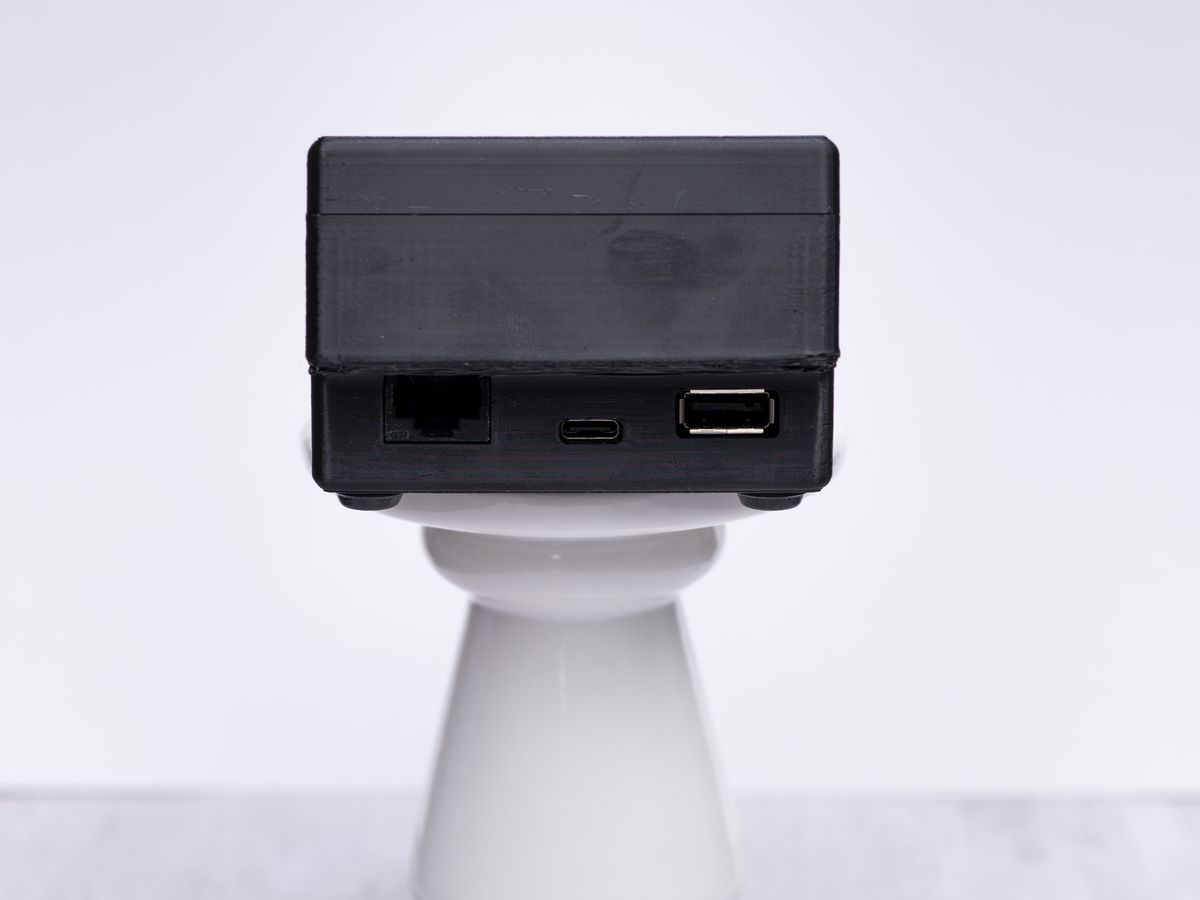
With the add-on modules (two slots on the back): a Geiger counter that records the dose rate in µSv/h, a spectrum sensor that records what is on the air from about 65 MHz to 2.3 GHz, and an infrared camera whose captures sit on the same timeline as the readings.
What you see in the portal
The last 24 hours from Blind Frog Ranch, a public MUPAS station, live.
Each source is a chart; the shaded band behind the line is this station's own typical range at that hour over the last seven days. The aircraft, satellite, weather and earthquake feeds are on the same screen, so an entry you write can be read against what was overhead and around at the time.
Setting it up
Plug it in, then add it with the MUPAS app on your Android phone: the app puts it on your portal account and sets up its Wi-Fi. You can also connect the Wi-Fi from the touchscreen first, then add it in the app. Its readings reach your portal from the moment it is added; the first can take a few minutes. Sharing it with other members, or making it a public station, is your choice and off by default.
What it does not do
- It records; it does not tell you what a reading means, and it sends no alarms. A change is shown as a change.
- The RF and sound channels are relative. They have no unit and cannot be compared with another station's numbers, only with this station's own history.
- It needs mains power and Wi-Fi. For anywhere else, see the EnviroDot.
Available in the store · See it in the store
MUPAS™ Worldwide · mupas-worldwide.com · Instruments · How it works · Reading room · Privacy notice